WPIX 11 Alive
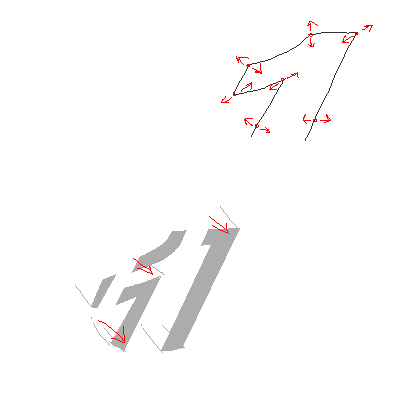
Originally, I thought I was gonna have to figure out how to make a flat border (NOT a bevel!) around the logo's curves using geometry nodes.
(P.S.: please show me how, anyway)
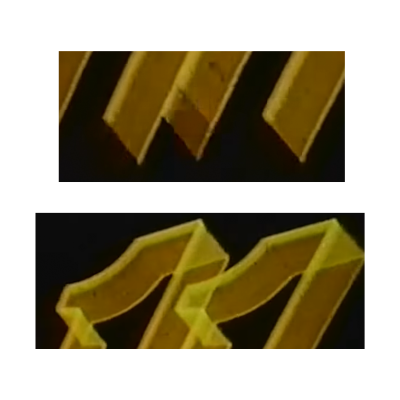
Then I noticed this in another capture of the logo that doesn't look so shitty (from a WPIX show teaser, for some reason they opted to tint the entire thing in yellow for that purpose).
Basically, the outlines aren't actually a neat border around, it's just "drawn" using a 50-ish degree "calligraphy pen".
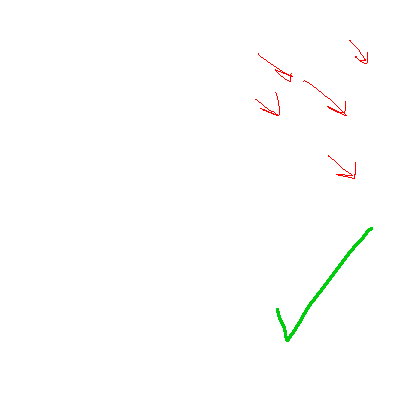
Which is good news for me, because then that means I can just extrude the edges and apply the trick of applying a material with a color ramp mapped to its generated texture coordinates.
This is pretty much the same trick I've used for my Metromedia Producers remake.
For the light "wipe" which reveals the more detailed logo, I originally just went with the logo, extruded up, and then using another materials trick. Unfortunately, because the transparency means the outlines of the logo are visible within the wipe, which doesn't happen in the original.
So then I just used the curve, filled in, instanced a few hundred times on top of itself, used a solid material with a gradient depending on its position, and then composited on top of the footage.
On second thought, maybe I should have used the first method with the materials of the second method. Oh well.
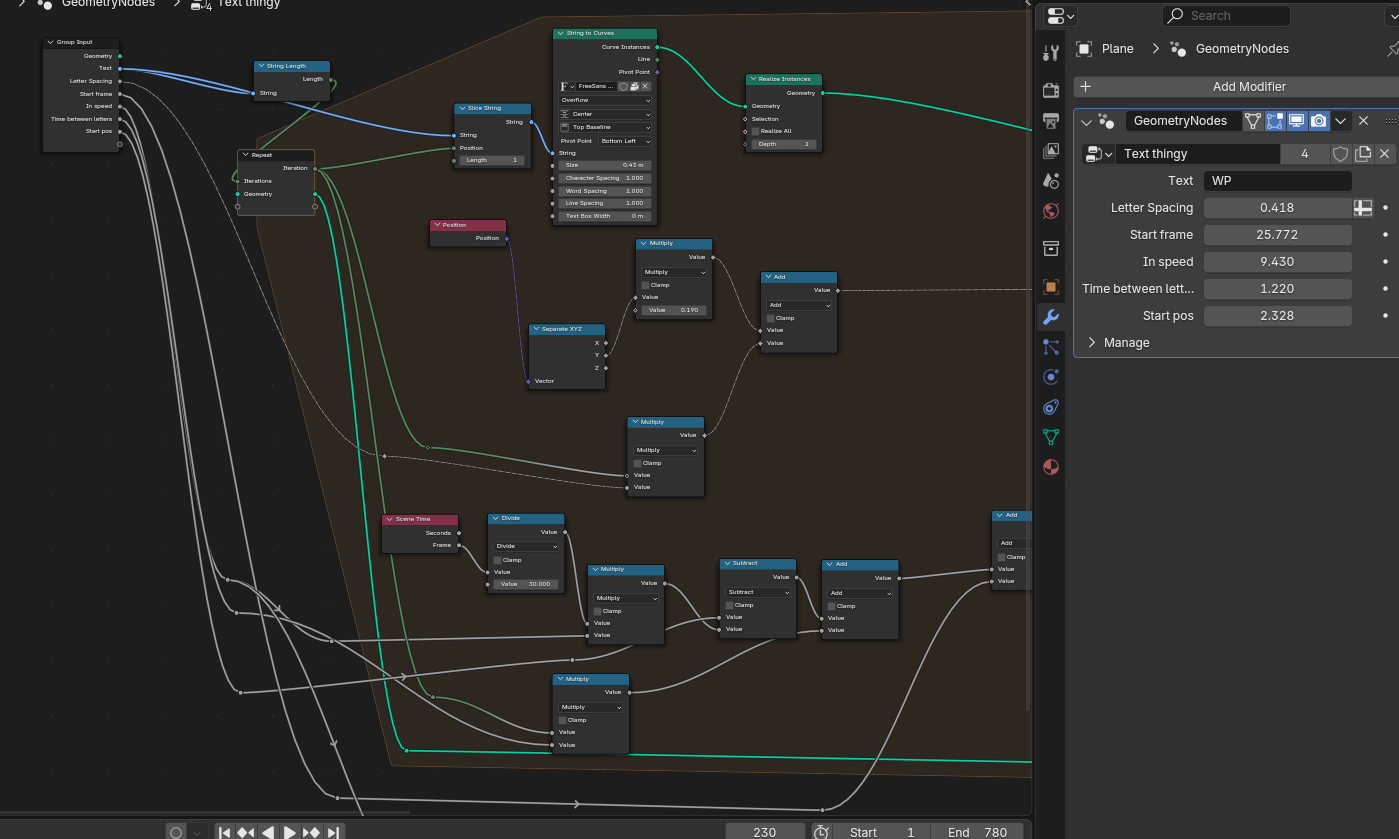
My fancy ass thought it would be a good idea to animate the text using geometry nodes instead of animating the letters one by one. (Well... turns out it is.) Needed a bit of help shearing the letters... turns out offsetting the shape like that is only supported on meshes. At least on this version of Blender. (4.3)
The text trail and the appearing letters are done in the same geometry node setup, with the appearing letters being a simple check that the text trail's Z offset is at the final position.
The most important part I learned here is, to collect all the geometry produced by every iteration of the repeat zone I needed to join the output with the input of said zone. In other words I needed to make it accumulate, because by default every iteration is just gonna replace the previous.
Before you point it out, yes I've noticed:
- The text trail at the bottom should move with the camera. Not a hard fix, that one, even with the camera still pretending that it's 2D
- The timing of the shine effect at the end could be a bit more accurate
- The final "3D" logo could be aligned better (particularly the lower left part of the "11")
- The original has a tiny part of the "11" drawn before it's supposed to, not even block's remake is anal about that so I've likewise "fixed" it