SVG logo remakes
Hey, I've seen animated SVGs on Wikipedia. Can I try this on this thing I've been tracing?
Holy shit okay I guess I can, then.


Quite technical, but doing these is as fun as the usual Blender ones. Hey look, someone else tried it too. Wanna have a go?
- HUH WHAT??
- HOW???
- Workspace
- Tracing out the elements
- Key points
- Animating the elements
- Animating the bar
- RE-animating the bar
- Animating the FOX logo
- Animating the rest of the owl
- Masking
- Final result
- what do you mean they're swf all along
HUH WHAT??
Yeah, SVG really is a lot more than meets the eye. In fact it's basically like SWF in a lot of ways, but I'll explain that later.
There's at least two paths I know of to animate an SVG.
Javascript
This is the method used in the Flash-free remakes hosted on Andrew Wiseman's TV Room. There is more than one way to put Javascript and SVG together, but this is the way it's done over there:
- A static SVG containing all of the elements of the ident.
- Some Javascript code describing exactly how each element of the SVG animates.
- Glue code in the page itself that makes it so you can start the animation with or without sound.
If you look at the Javascript code there, you'll see that it's "frame-based":
if (f == 25) {
  eltSetAttr("Adastral","opacity","1");
}
else if (f == 74) {
  eltSetAttr("Associated-Rediffusion","opacity","1");
  eltSetAttr("Presents","opacity","1");
}
else if (f >= 75 && f <= 114) {
  var x1 = (f - 75)*-16.25 + 721.5826;
  var x2 = (f - 75)*12.65 - 220.4398;
  var r = (f - 74)/40*37.5 -21.55;
  eltSetAttr("Associated-Rediffusion","transform","matrix(.92 0 0 .92 " + x1 + " 363.55)");
  eltSetAttr("Presents","transform","matrix(.92 0 0 .92 " + x2 + " 421.784)");
  eltSetAttr("Adastral","transform","rotate(" + r + " 382.15 210.65) translate(273.074 101.578) scale(1.6526)");
}
// ...
...and it has some mechanism to lock the FPS exactly as its source material, usually the Flash files they were converted from:
function update(newtime) {
  rID = window.requestAnimationFrame(update);
  now = newtime;
  elapsed = now - then;
  if (elapsed > 40) {
    then = now - (elapsed % 40);
// ...
It works, and it's interesting. I think I can try this, but for now I prefer:
SMIL
It stands for "Synchronized Multimedia Integration Language", but that's practically technobabble for "built in animation". I prefer this because:
- It is essentially the "native" SVG animation syntax.
- It's based on seconds rather than frames, so that browsers can play this in any refresh rate.
Now there are caveats: I say "native" because you don't really need to do anything else; just use the tags as-is on the SVG.
And that second point is also its biggest weakness. I work in frames. That means I still need to have Blender (or really, a video editor) open to be able pick out frames and then use a calculator to figure out exactly how many seconds that is.
It is also very particular in how keyframes are declared and I have run into bugs because of it.
But anyway it's fun to figure out and the end results I'm usually happy with even if they are less than perfect.
HOW???
I'm gonna use SoraThePanFloof's custom Fox network logo animation as an example here (used with permission).
Workspace
My layout for this stuff usually looks like this:
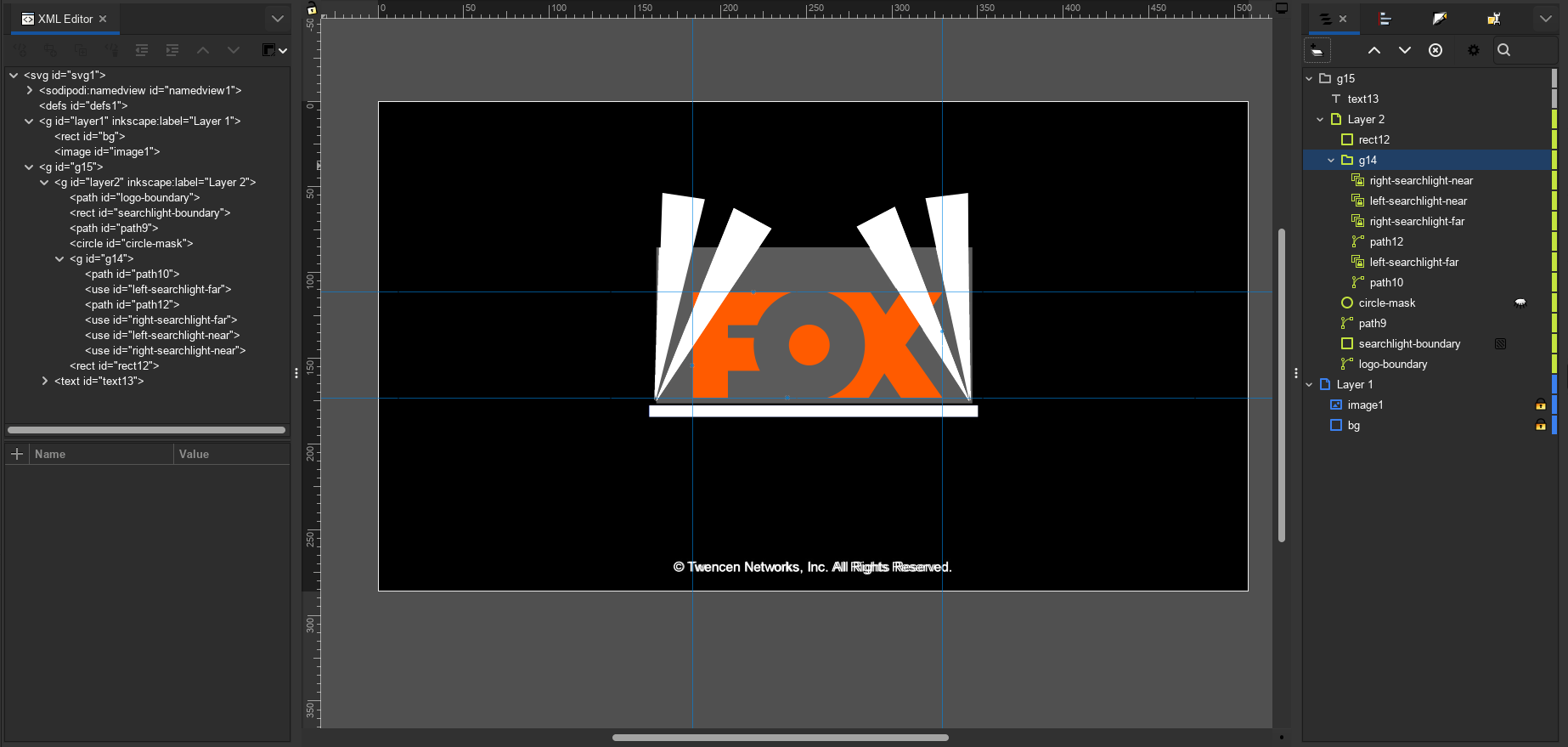
On the left there's the XML Editor and on the right there's the Layers. They are both two different views of the exact same thing.
(I pull up the XML Editor by going to Edit → XML Editor)
Since Inkscape does not actually have an animation feature, the XML Editor is where I'm gonna have to manually code them in. They also contain whatever is not visible and unlisted from the Layers panel, like defines.
So the overall flow looks like:
- Create the different elements normally
- Use Alt+D to create clones ("uses") of the elements
- Using the XML Editor, move the original elements into defines, a.k.a. the thing marked
<defs> - The original thing is invisible to both me and the Layers pane, leaving just the clones
- I animate the clones using the XML Editor
Tracing out the elements
Like your usual Blender remake, I'd have to trace out the individual elements I think I'll need. In this case, I'll start out with the final result since I think there isn't any funny business going on in this animation.
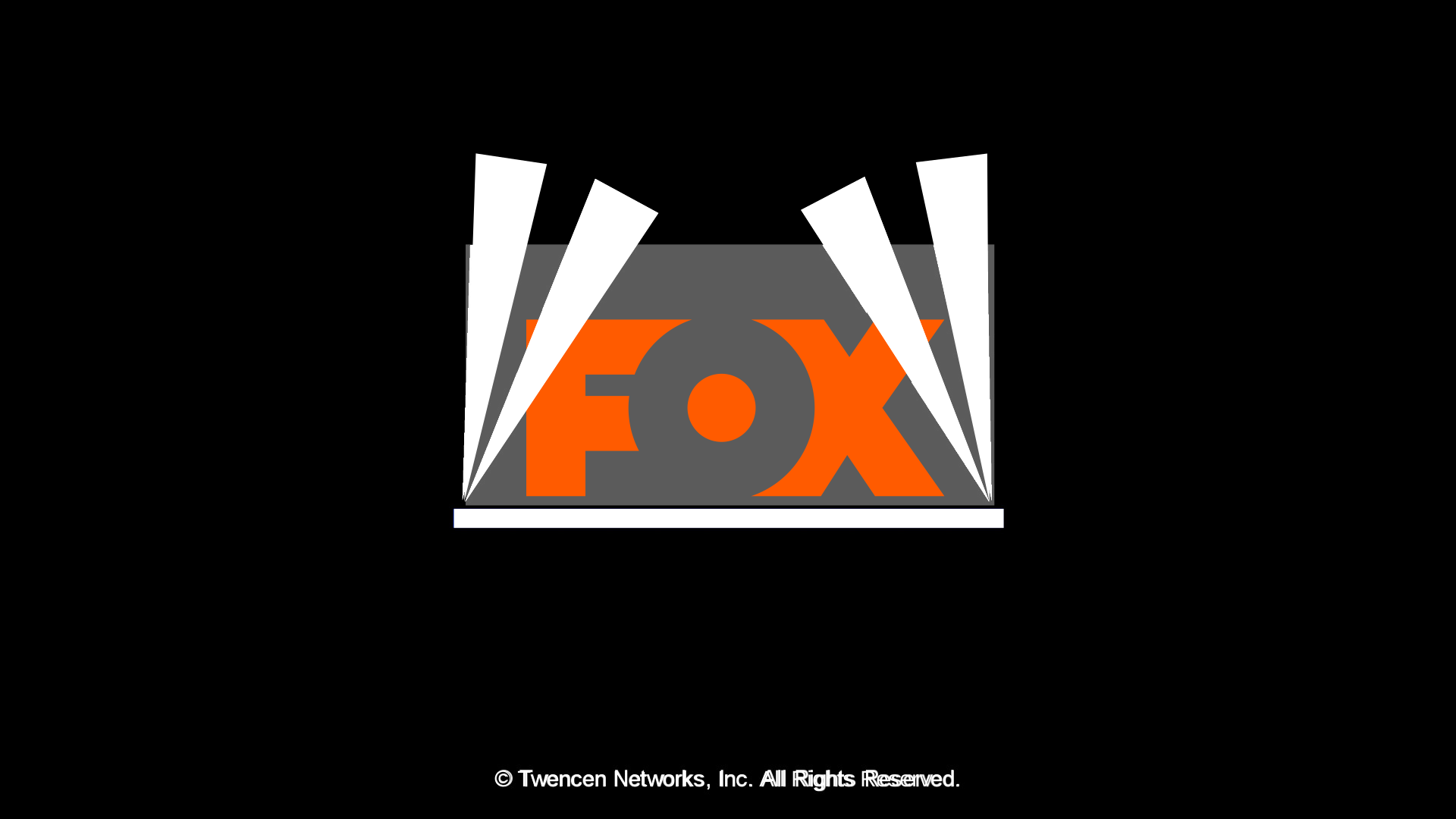
There's a few details here that's worth mentioning:
- Extended the searchlights past the logo's boundary to mask later
- Made the searchlights in such a way that they'll be easily transformed
- Grouped the elements based on "I think I'll animate these things as one unit"
The searchlight is only masked by a rectangle, while the
logo-boundary "mask" is a plain solid color. This is because:
- This isn't a general web asset, so I assume there is always a black background - enforced by a plain black rectangle at the very back of the layer order
- The mask only comes into play when the logo is fully zoomed in place, so I don't need to animate it
One thing to look out for while I'm making the elements is Edit → Preferences → Behavior → Transform → Store transformation:
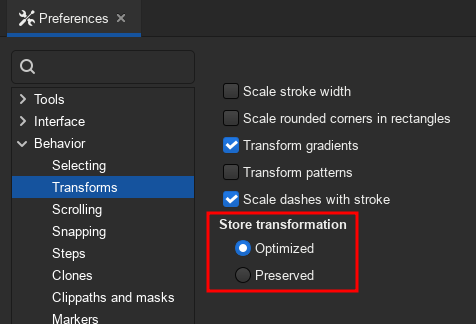
- Optimized
- Means that the transforms can be baked as the actual curves. You want that when you're just editing a path by moving it, scaling, etc., but not when you're trying to animate its moving and scaling.
- Preserved
-
Means that the transforms are baked as
transformattributes that you can see in the XML Editor. Opposite of Optimized, you want that when you want to animate the thing.
Key points
I'll have to note some "key points", which frames they occur and its seconds equivalent.
Again, SMIL is based in seconds. Every keyframe is expressed in terms of decimal seconds.
The FPS of the original video is 29.97, so then I'll have to divide every frame number by that amount, and then round down as needed.
I'll have to open Blender or some other video editor for this.
| Frame# | Seconds | Thumbnail | Focus | Action |
|---|---|---|---|---|
| 2 | 0.06 |  |
Bar | The first visible frame that it appears |
| 3 | 0.1 |  |
Logo | The first visible frame where some element of the logo (the middle circle) I can use as a guide |
| 9 | 0.3 |  |
Logo | The logo is fully visible at this point |
| 20 | 0.66 | 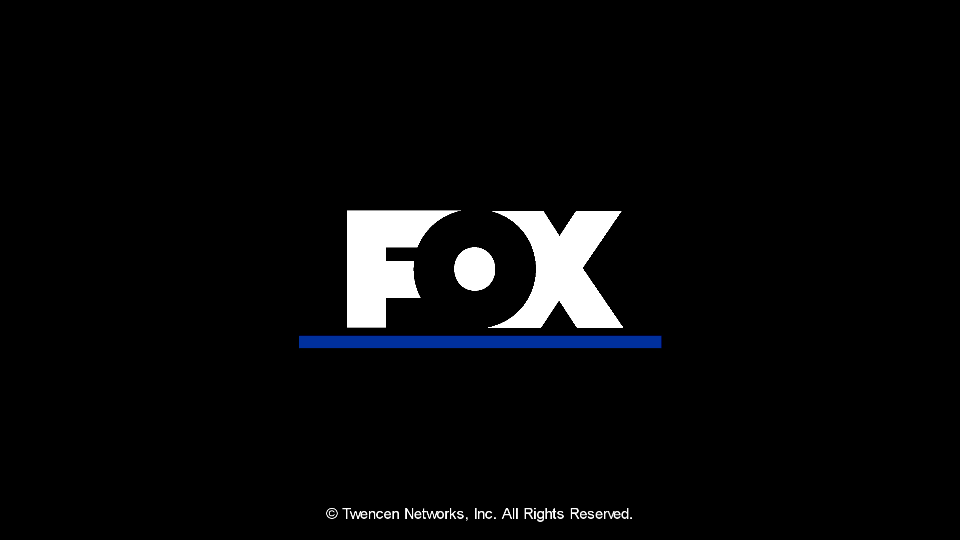 |
Logo, Bar | The logo and bar are fully settled |
| 25 | 0.834 | 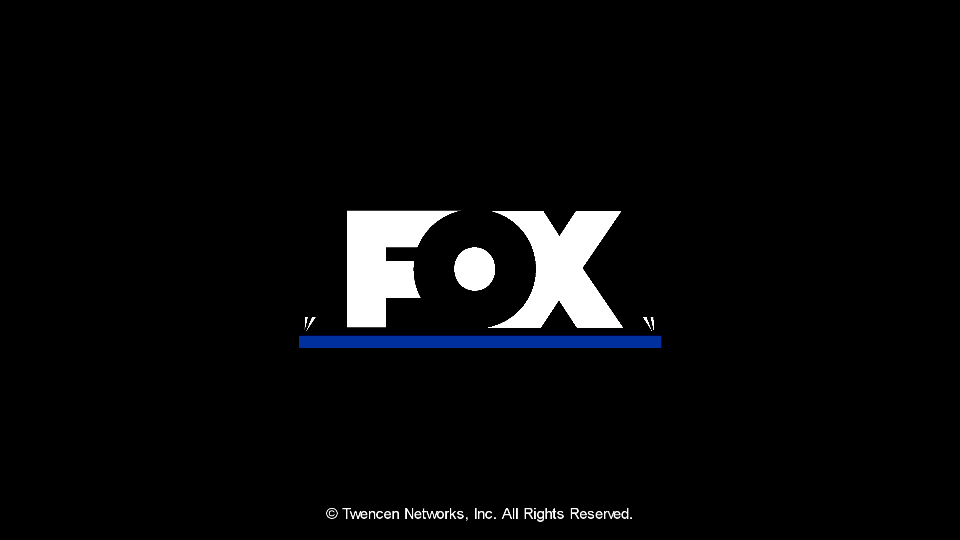 |
Searchlight | First visible frame. I'll have to animate the mask starting at frame 24 (0.8s) |
| 40 | 1.334 |  |
Searchlight | Fully revealed, everything settled |
I will also note here that the bar never changes scale.
Animating the elements
I use the animate and animateTransform elements inside the element
I want to animate.
animate is for things like x and y positions innate to the path, like a rectangle or a circle's r, whereas animateTransform is if I want to animate a path's transforms as a unit.
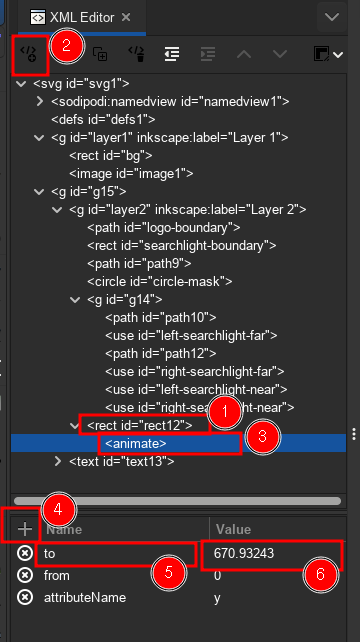
From the XML Editor I:
- Select a thing
- Click on the far left toolbar icon ("New element node")
- Type in the element name I wanted to add
- Click the add icon at the bottom/right subpane to add an attribute.
Animating the bar
The most basic animate sub-element consists of the following attributes:
attributeNamefrom(value)to(value)dur(in seconds, e.g.5s)begin(also in seconds)
I can only have one attribute animated at a time, and I can have two of these to animate two attributes at the same time.
I need to animate the y AND the width of the rectangle.
I'm sketching them out in Inkscape and ended up with:
| Frame | Second | y | width |
|---|---|---|---|
| 1 | 0.03 | 737.66412 | 0 |
| 20 | 0.66 | 670.93243 | 724.96558 |
Then I need to find out the begin and dur. Again
this doesn't work like Blender where I have "x = FOO at frame BAR",
no of course, I have to do this math BS.
I get:
dur   = 0.66 - 0.03 = 0.63
begin = 0.03
Worth noting: width anchors to the LEFT side
of the rectangle, so I don't need to do anything there.
So, expressed in XML:
<animate
  begin="0.03s" dur="0.63s"
  attributeName="y"
  from="737.66412"
  to="670.93243"
/>
<animate
  begin="0.03s" dur="0.63s"
  attributeName="width"
  from="0"
  to="724.96558"
/>
Let's try:
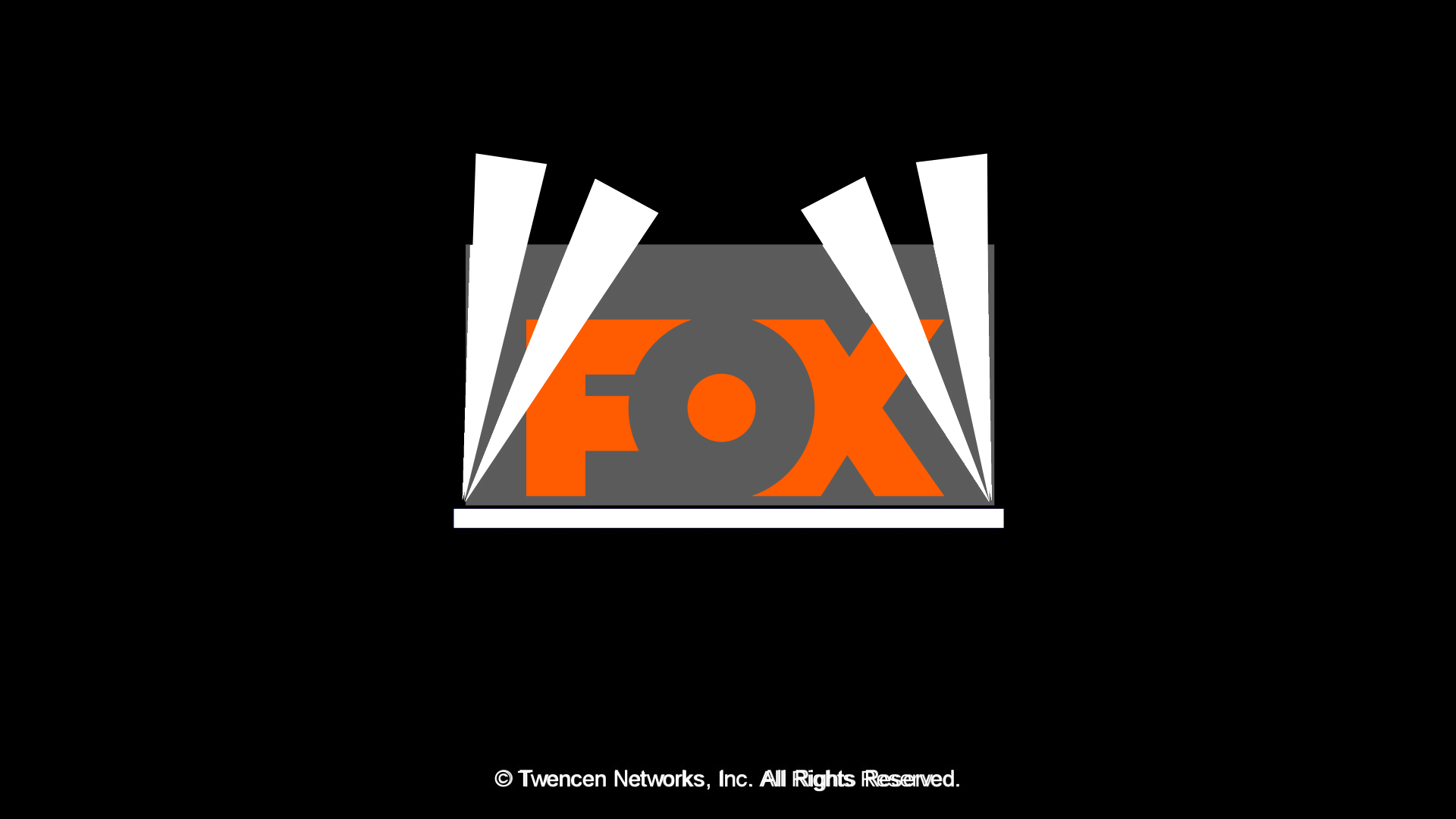
Okay yeah it doesn't look right. Two problems right off the bat:
First, the end state is visible for a brief moment before the animation starts. SMIL does not have a way out of this, and the fill attribute only applies at the end of the animation, it doesn't extend the start. One option is to modify the element to reflect the start state rather than the end state, which makes things a bit counter intuitive. And besides, I've found that begin is a little problematic anyway. I can't exactly point out what the problem is other than browser handling seems to be inconsistent.
Second, it's linear motion. Unlike Blender I don't have bezier, back, ease options. Especially in this simple from-to mode like this. And making multiple animation elements to simulate easing can just simply go to Heck.
Yeah no. I have no other option but to explain the other, byzantine keyframing mode.
RE-animating the bar
Throw from and to and the rest out the window in favor of:
values(semicolon separated)keyTimes(same)keySplinescalcModedur
begin works, but like I said, it is Buggy for some reason.
Let dur then be the total length of the animation, which is
the final frame divided by the FPS.
This also simplifies some calculations as you will see.
First, keyTimes. This sets up keyframes as "how far along the duration is it"
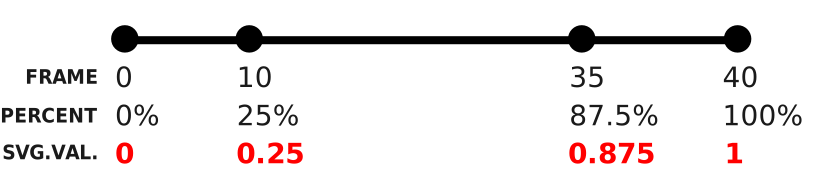
Keyframes are expressed as percentages (from 0 to 1) along the line
where the end point is the final keyframe. Each keyframe number is DIVIDED by the final keyframe number to get the value to be written in the SVG as a series of numbers separated by semicolons: 0; 0.25; 0.875; 1
Then, values. Replacing from and to, this is "what value this attribute takes ON the keyTimes, and therefore how many of these numbers, again separated by semicolons, must match how many numbers are in keyTimes. So for 0; 0.25; 0.875; 1 I can set values to 10; 20; 30; 40.
Next, keySplines. This is beyond me so I will direct you to this ease editor. It defines the ease between two keyTimes each. For keyTimes of 0;0.4;1 (3 numbers) I will have to define 2 eases, even if both are the exact same one of 0.1 0.8 0.9 0.1. So:
| keyTimes | keySplines |
|---|---|
| 0 to 0.4 | 0.1 0.8 0.9 0.1 |
| 0.4 to 1 | 0.1 0.8 0.9 0.1 |
yields keySplines of 0.1 0.8 0.9 0.1;0.1 0.8 0.9 0.1. Oh, and calcMode must be set to spline for this to work.
No, I don't expect you to understand this. Yes, it's annoying.
Anyway. I set dur to 0.66 since that's how
far the final frame (frame 20) of the animation is. And let's see
how the table looks like:
| Frame | keyTimes (percentage) | y | width |
|---|---|---|---|
| 0 | 0 | 737.66412 | 0 |
| 1 | 0.05 | 737.66412 | 0 |
| 20 | 1 | 670.93243 | 724.96558 |
You'll notice that frames 0 and 1 are the same, because I'm getting
rid of the begin attribute.
Next up, the splines. 0.13 0.72 0.56 1 looks right to me, so:
| keyTimes | keySplines |
|---|---|
| 0 to 0.05 | 0 0 1 1 |
| 0.05 to 1 | 0.13 0.72 0.56 1 |
0 0 1 1 is the linear motion ease. Basically saying "I don't care".
Annoyingly (again), I still have to make multiple animation elements, one for each element. Expressed in code:
<animate
  attributeName="width"
  dur="0.66s"
  keyTimes="0;0.05;1"
  values="0;0;724.96558"
  keySplines="0 0 1 1;0.13 0.72 0.56 1"
  calcMode="spline"/>
<animate
  attributeName="y"
  dur="0.66s"
  keyTimes="0;0.05;1"
  values="737.66412;737.66412;670.93243"
  keySplines="0 0 1 1;0.13 0.72 0.56 1"
  calcMode="spline"/>

<!-- Notice here the only thing different about both
     is the `attributeName` and `values` attributes. -->
And...
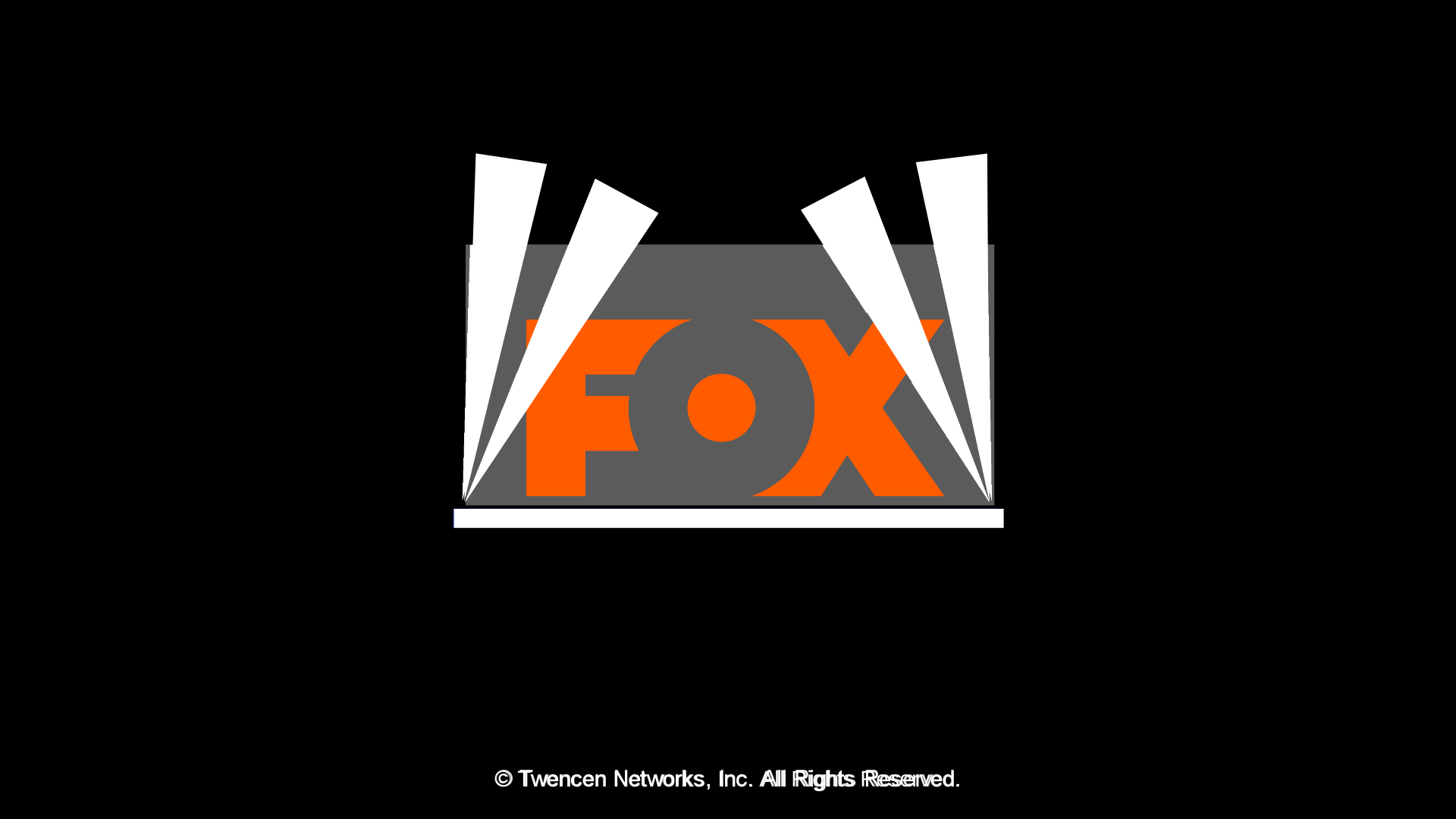
YEP LOOKS ABOUT RIGHT
MOVING ON
Animating the FOX logo
It's a scale operation, but there's this curious matrix thing:
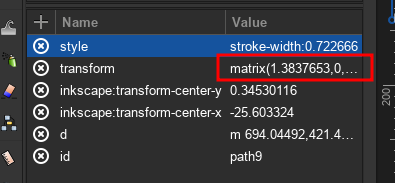
It's just encoding the scale and translation to the curves. Don't pay it too much mind, sometimes it appears in place of scale or anything sensible for no reason. I'm putting this on a table for now:
| Frame | keyTimes | matrix |
|---|---|---|
| 0 | 0 | matrix(1.605588,0,0,1.605588,-583.03969,-325.55171) |
| 3 | 0.15 | matrix(1.605588,0,0,1.605588,-583.03969,-325.55171) |
| 20 | 1 | matrix(1,0,0,1,0,0) |
matrix(1,0,0,1,0,0) means the initial transform.
Because this is the transform attribute that's being animated, I
have to use animateTransform, and set its attributeName to transform.
yeah I don't get it either. I don't make the rules.
There's also type, meaning which type of transformation I want to animate. There's translate, scale.
matrix on the other hand is NOT SUPPORTED by SMIL, so I'll have to split:
matrix(A,_,_,B,C,D)
to:
translate(C,D) and scale(A,B).
The scale X and Y are the same in all of them, so I'll just have the one value.
And so the table becomes:
| Frame | keyTimes | scale | translate |
|---|---|---|---|
| 0 | 0 | 1.605588 | -583.03969 -325.55171 |
| 3 | 0.15 | 1.605588 | -583.03969 -325.55171 |
| 20 | 1 | 1 | 0 0 |
The commas are replaced with spaces because that's what values requires.
I'll also use the same splines:
| keyTimes | keySplines |
|---|---|
| 0 to 0.15 | 0 0 1 1 |
| 0.15 to 1 | 0.13 0.72 0.56 1 |
One more annoying thing:
additive="sum"
If not, one animation replaces the others instead of stacking up like animation
does.
Put it all together:
<animateTransform
  attributeName="transform"
  type="translate"
  additive="sum"
  dur="0.66s"
  keyTimes="0;0.15;1"
  values="-583.03969 -325.55171;-583.03969 -325.55171;0 0"
  keySplines="0 0 1 1;0.13 0.72 0.56 1"
  calcMode="spline"/>
<animateTransform
  attributeName="transform"
  type="scale"
  additive="sum"
  dur="0.66s"
  keyTimes="0;0.15;1"
  values="1.605588;1.605588;1"
  keySplines="0 0 1 1;0.13 0.72 0.56 1"
  calcMode="spline"/>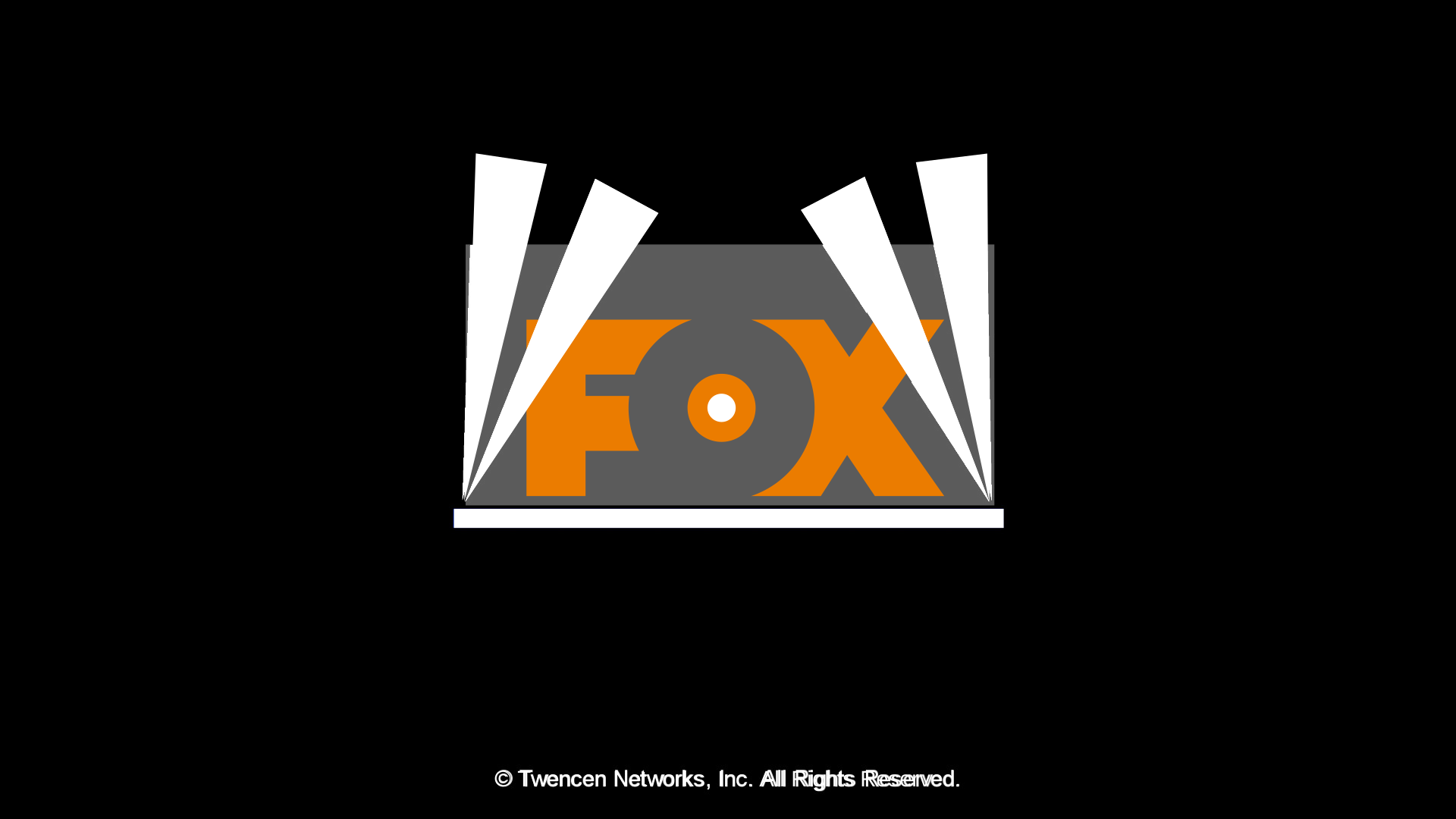
Animating the rest of the owl
I repeat both of the above, one by one, looking at the key points I listed out earlier.
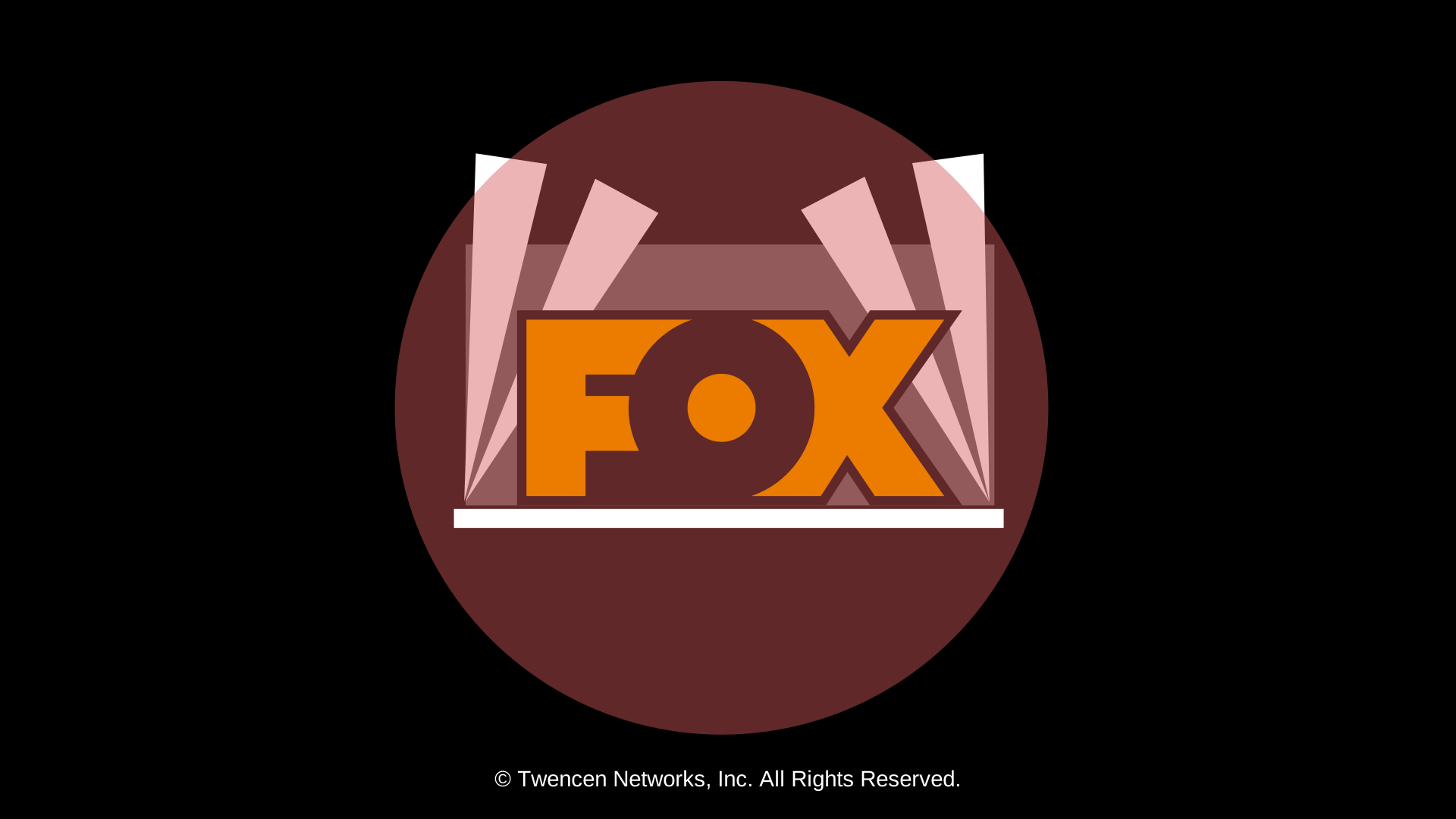
There's some deviations from the original, just because I felt like it.
Masking
This, at least, is something I CAN do from the Inkscape UI.
First I ensured the mask is:
- Filled white.
- in FRONT of the thing I want to mask.
Then:
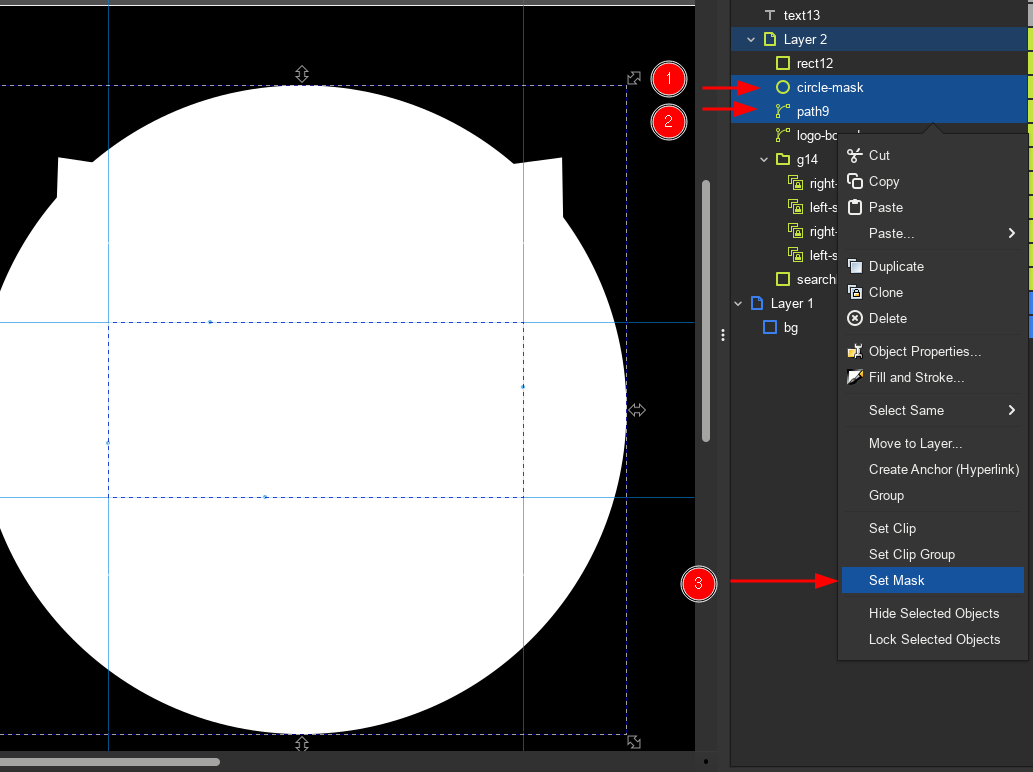
Final result
Fix the colors and...
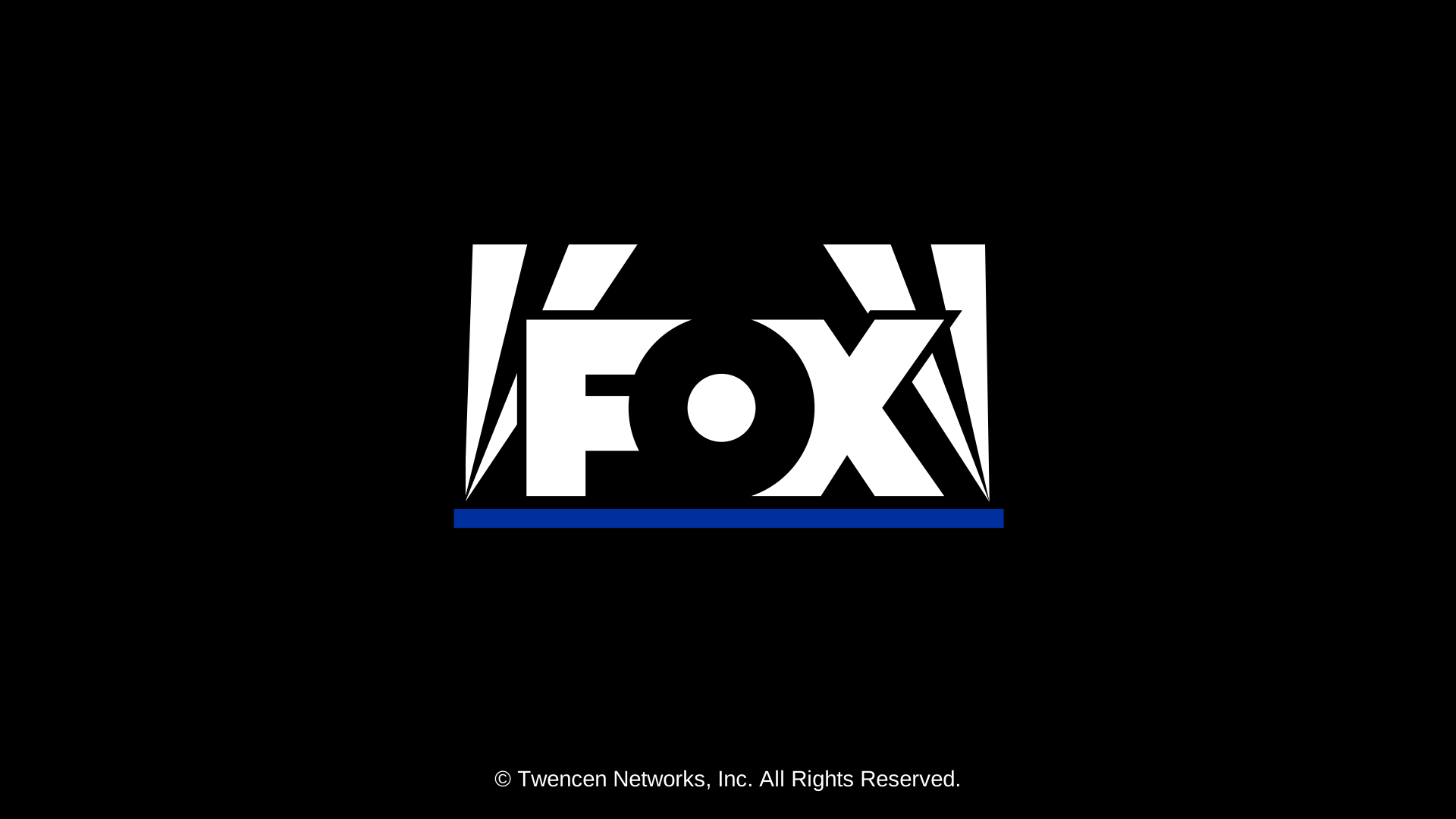
| SVG | Original |
|---|---|
|
|
what do you mean they're swf all along
As demonstrated here, again, you can obviously stick more stuff inside of a single SVG. I managed to link audio and embed a script inside of the SVG.
Audio is the HTML5 Audio element:
<audio
    id="audio-to-play"
    xmlns="http://www.w3.org/1999/xhtml">
  <source
      src="fox54.flac"
      type="audio/flac" />
</audio>
That xmlns="http://www.w3.org/1999/xhtml" carries the entire thing.
Because that tells the browser, "I want audio from HTML, not audio from SVG".
Because there's no such thing as audio in SVG, I have to tell the browser
I meant "some other audio".
As for scripting, you can actually attach onclick to elements in the SVG:
<text
onclick="(()=>{var a = document.getElementById("audio-to-play");a.currentTime = 0; a.play()})()" />Provided you escape all your quotes, angly bracket signs, etc. You can even
put in a whole script element, like so:
<script
id="script1">var root = document.getElementById("atv")
var audio = document.getElementById("ident-audio")
function start(withSound)
{
var ctrls = document.getElementById("Controls")
ctrls.style.display = "none"
...That one is from my ATV remake.

If you drag this to its logical conclusion, what we get is that SVGs alone could have become the new SWF. Imagine self-contained games you can run in a bog standard browser that you can play at even Retina resolution or on your big TV.
But alas, more attention is paid to "HTML5" as a concept, which means you need a page to hold all that. Independent browser support for this stuff is not even guaranteed if SVG is nothing more than just an image format.
We need an actual new Flash, man.